Your IP.
Everywhere you go.
Your phone jumps between Wi‑Fi, cellular, and VPNs all day. Each hop changes what the internet sees. Tunnel'd logs every move, so you always know what your connection looks like from the outside.
 Download from GitHub Releases
App preview
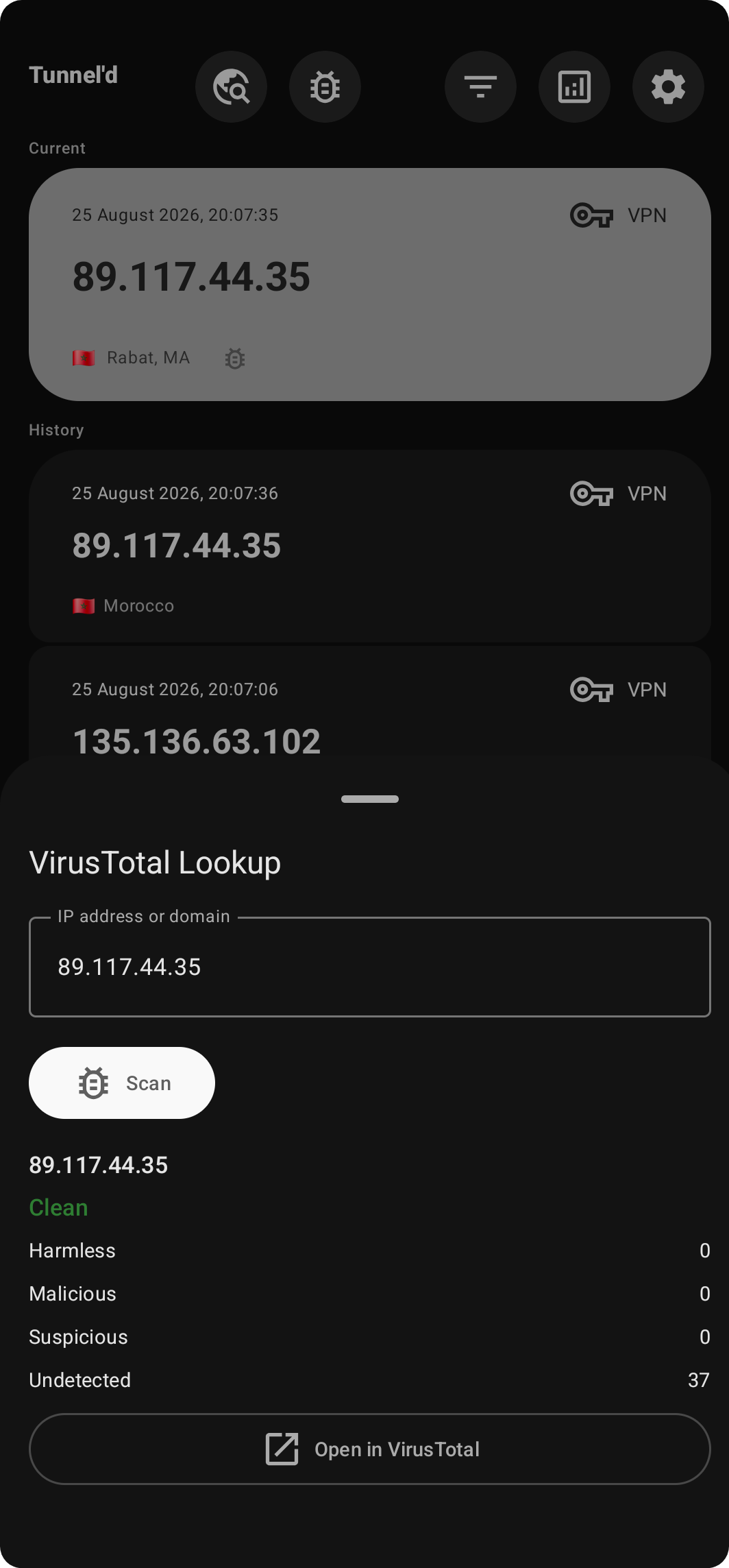
& VT lookup
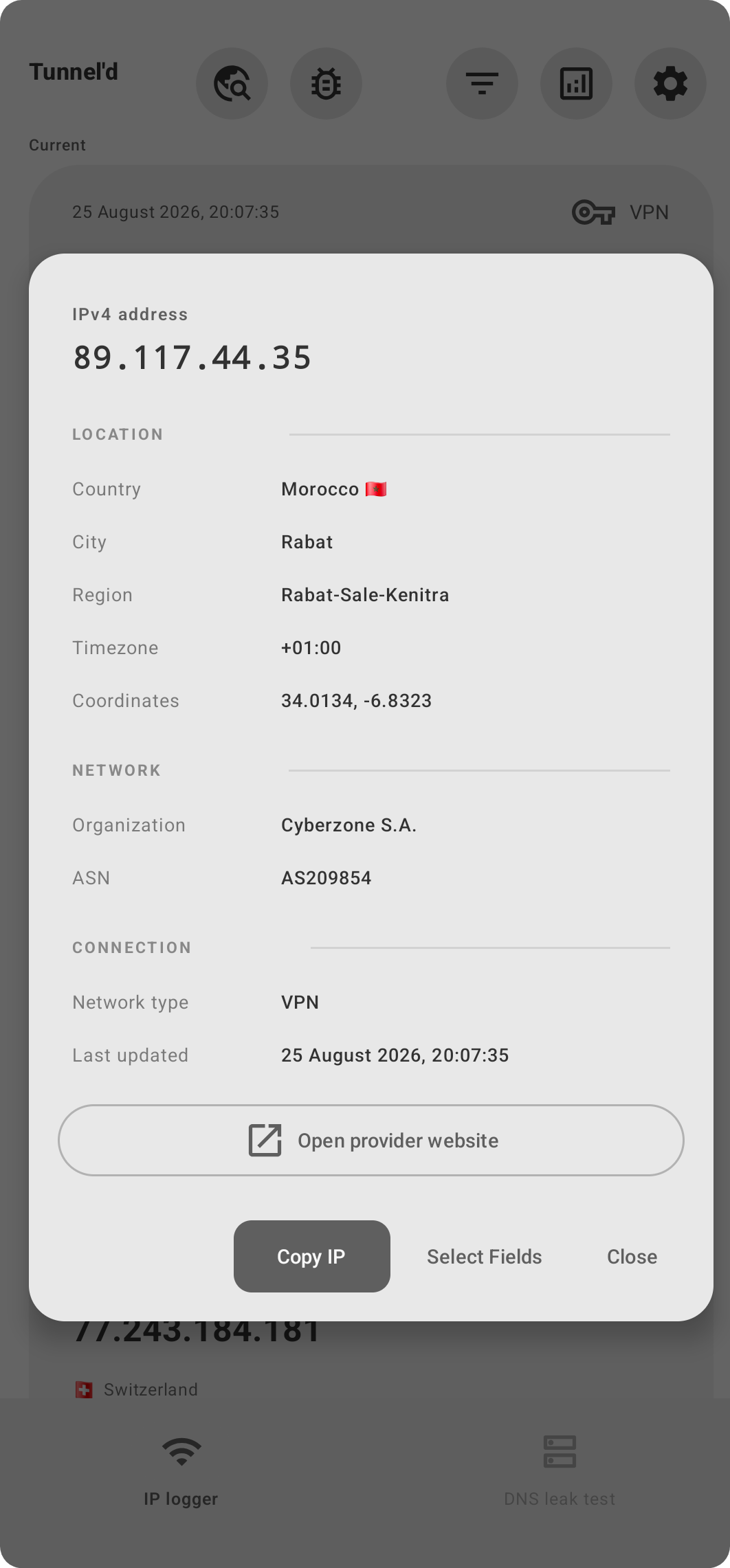
IP card
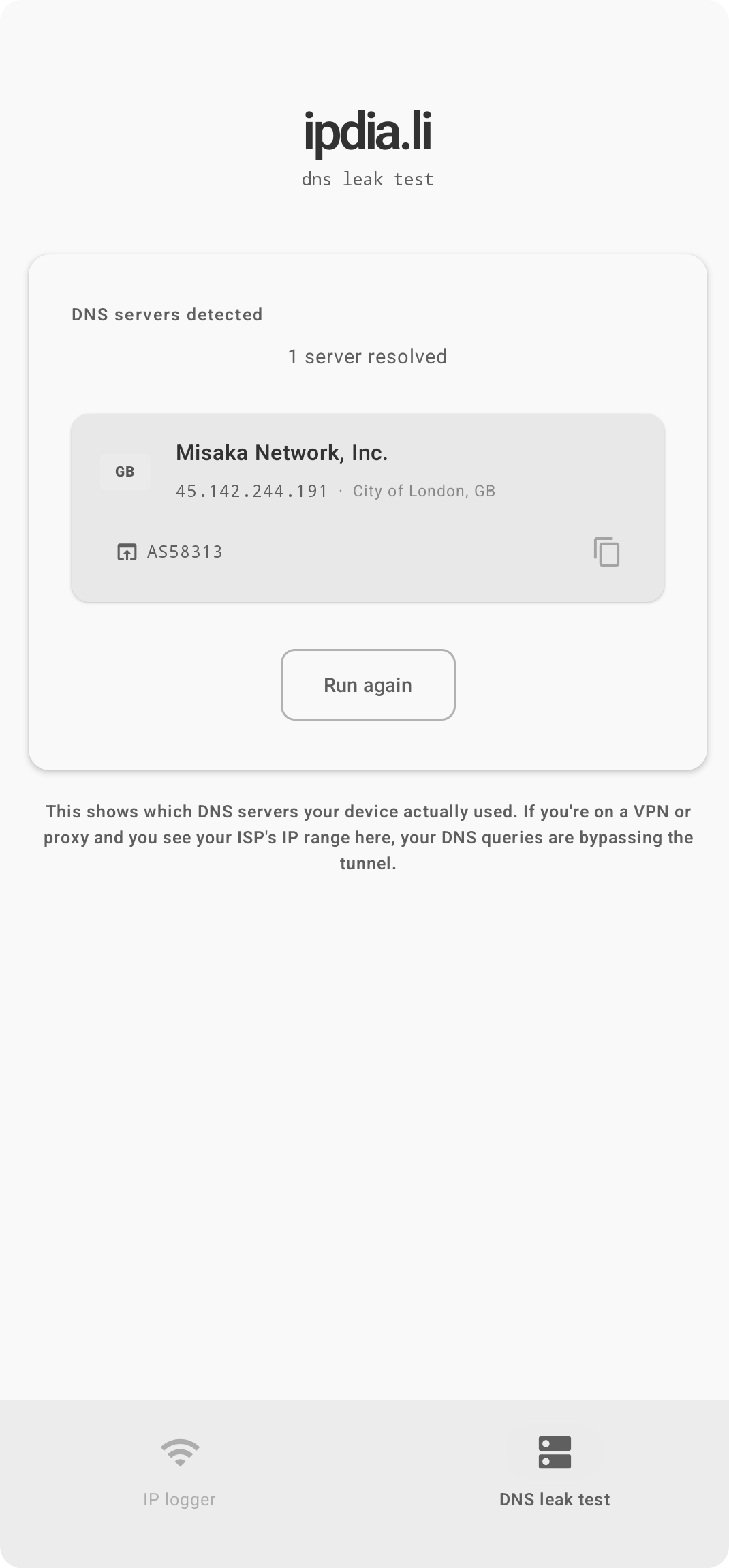
leak test
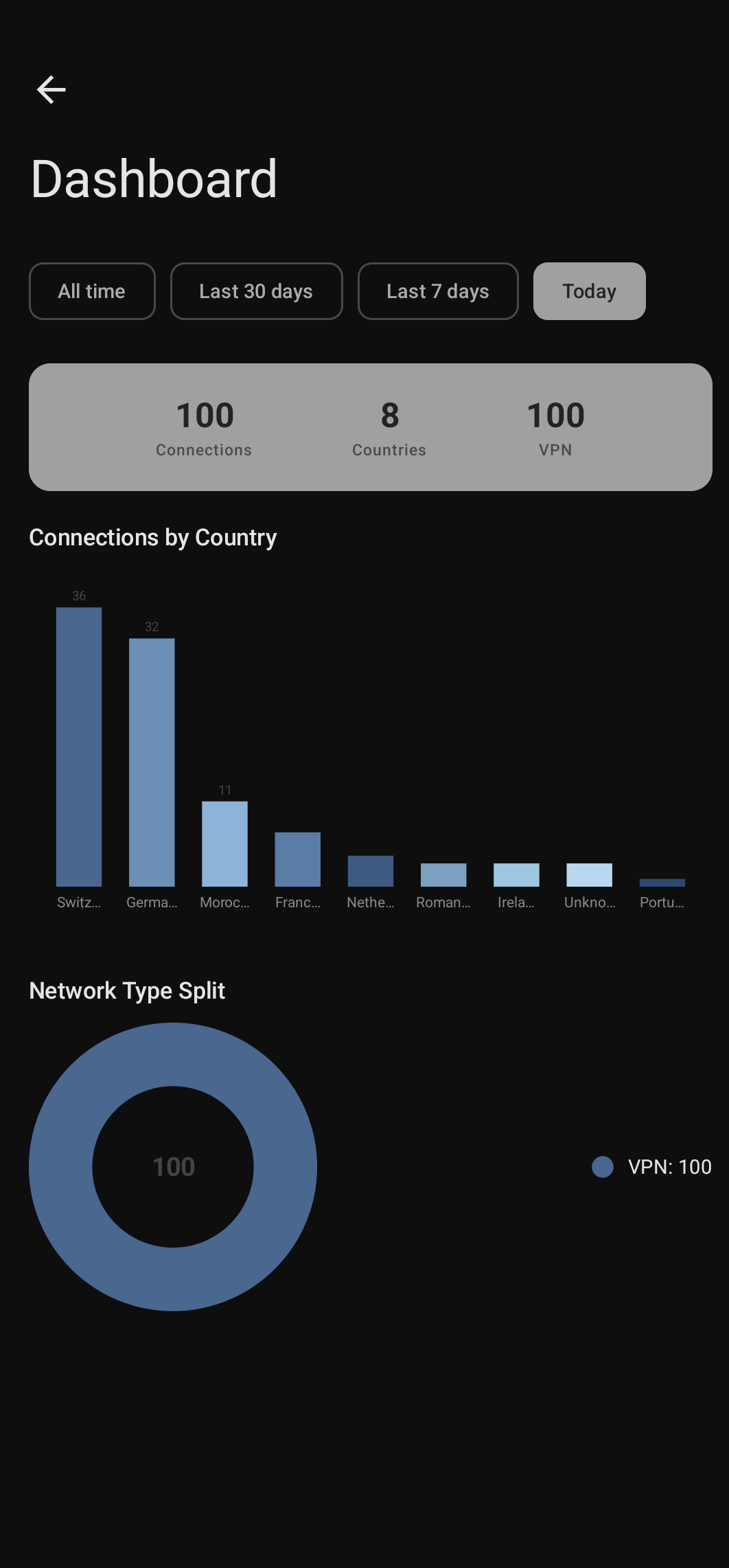
& analytics
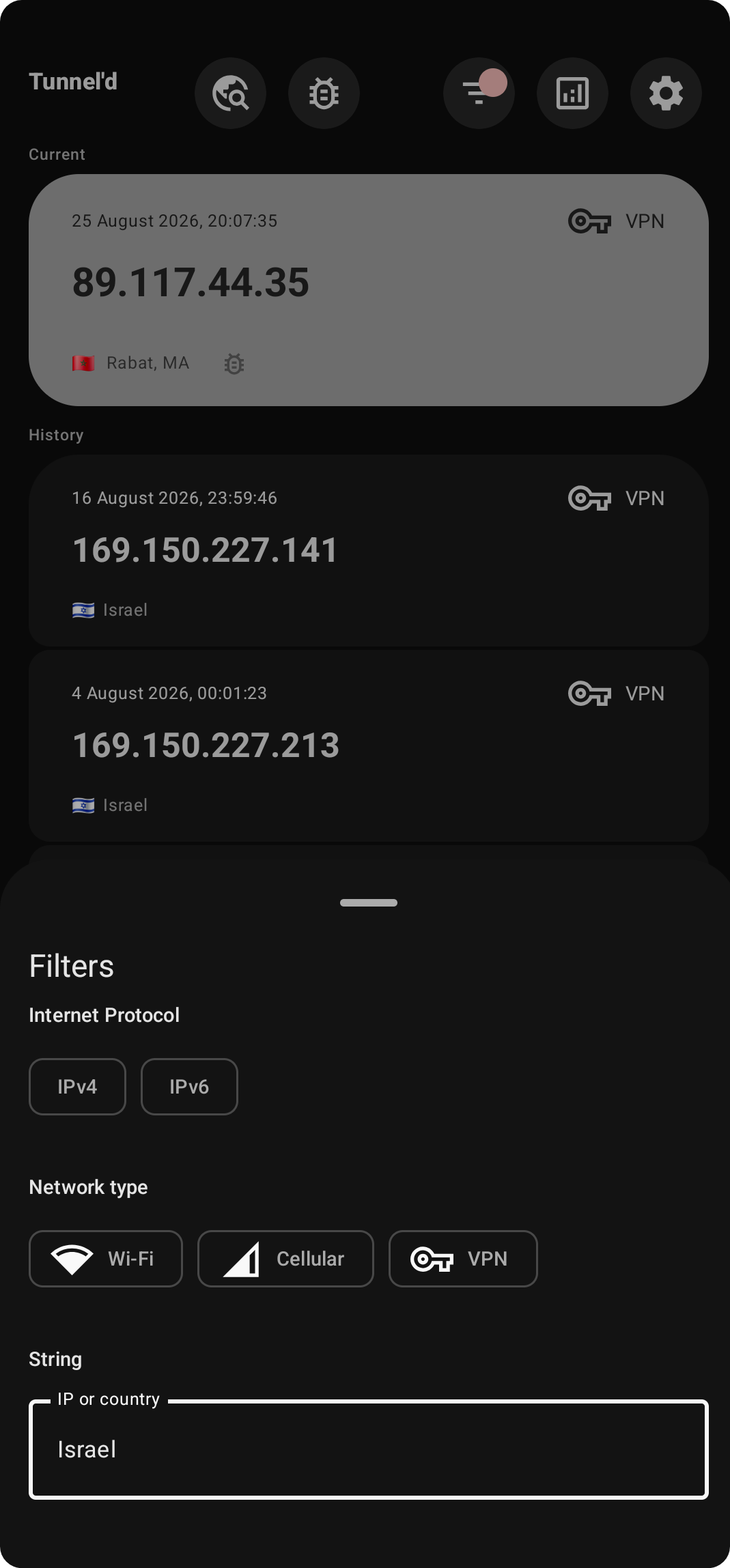
& filters
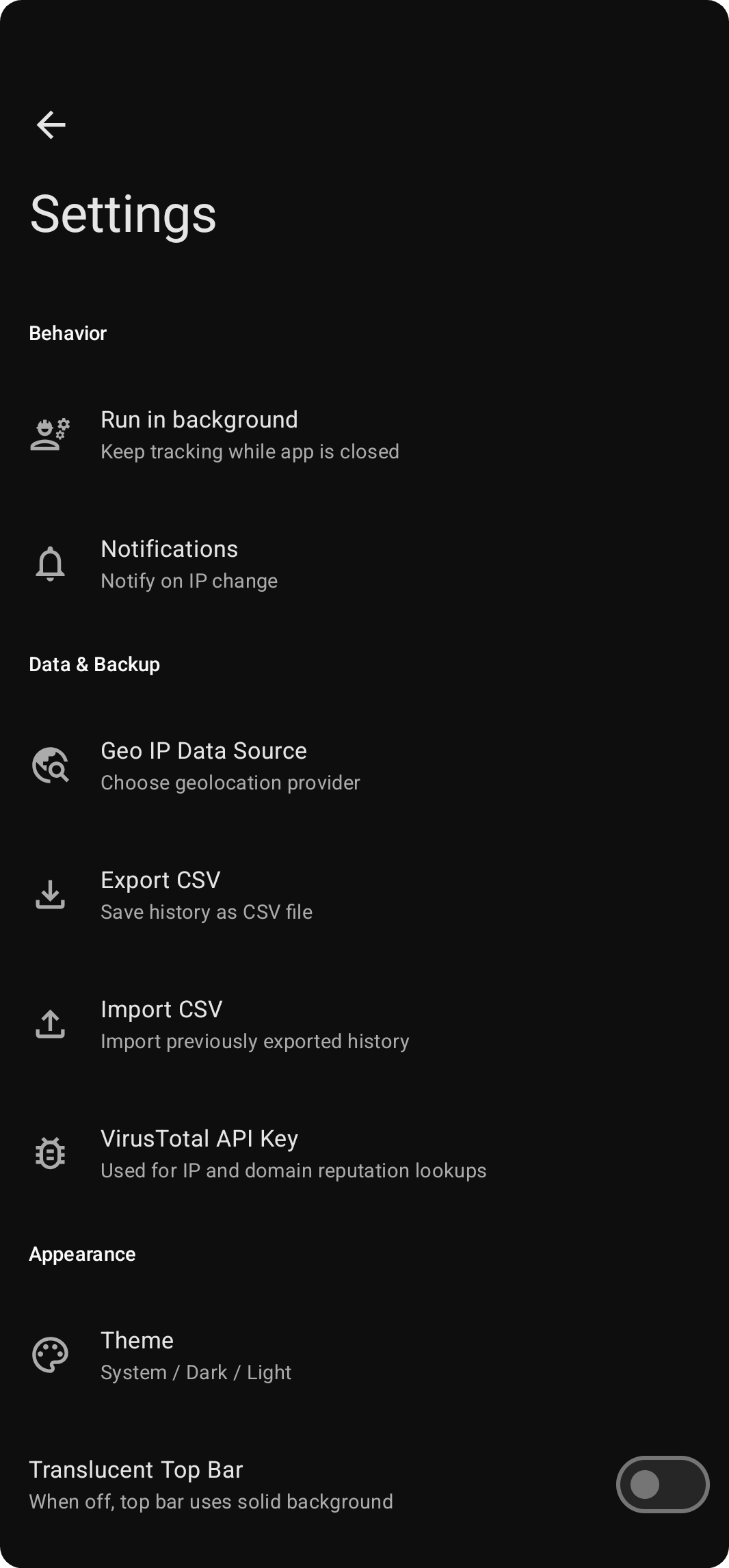
overview
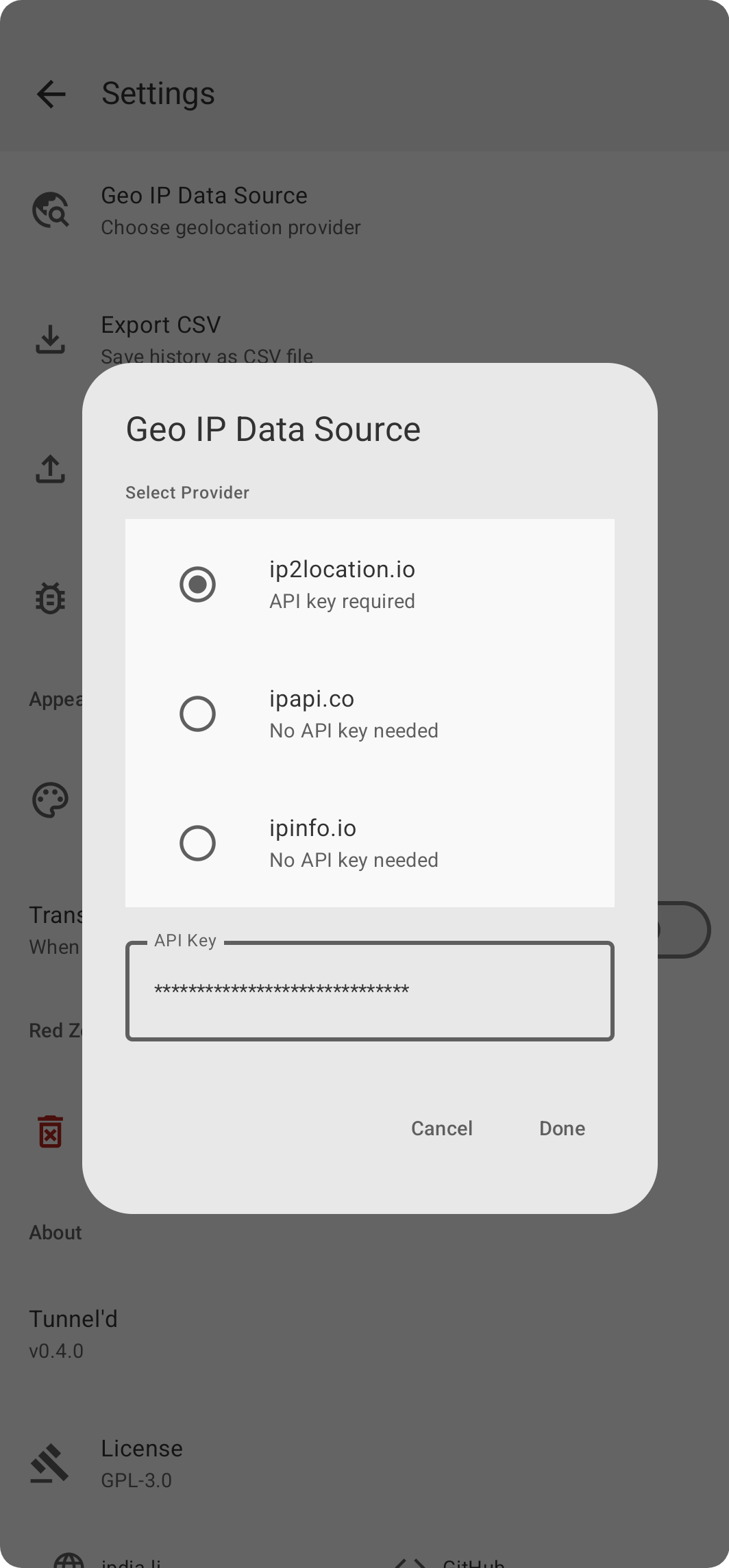
data source
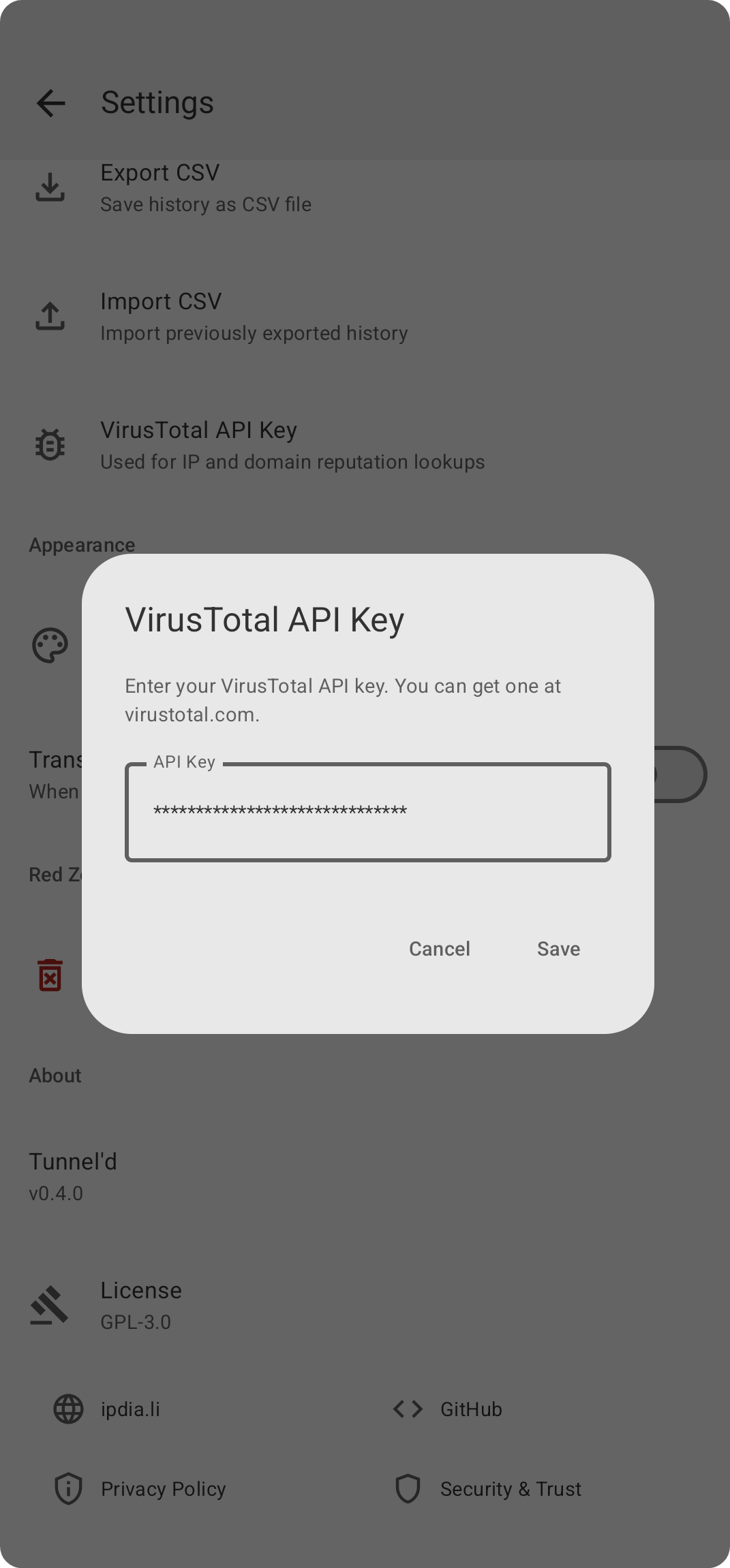
VirusTotal
IP logger with context
Every address change is captured with country, city, ISP, ASN org, timezone, and coordinates. History stays on your device: no cloud, no sync, no server.
DNS leak detection
Checks which DNS servers your device is actually using, natively in the app. It runs only when you start it. Clean pass or leak, no ambiguity.
Filter, export, own your data
Slice history by IP version, network type, or country. Export filtered results to CSV. Import to restore. Your data, your format.
Built like a tool,
not like an ad platform.
Many "IP checker" apps are data vacuums with a pretty UI. They log your queries, bundle analytics SDKs, and monetise what should be a simple utility.
Tunnel'd stores everything locally in a SQLite database on your device. No analytics, no crash reporters, no telemetry. Every network request is user-triggered: opt-in monitoring, IP lookups, VirusTotal scans and DNS leak tests. The providers involved are documented in the privacy policy.
The source is GPLv3. Read every line, build it yourself, and check that it does what it claims.
Data flows, third-party IP providers and trust boundaries are covered in the Privacy Policy and Trust Boundaries.
How it works
Install & open
Download the signed APK from GitHub Releases. It works out of the box; Android 13+ will ask once for notification permission.
It watches
With monitoring on (off by default), every change of public IP (new Wi‑Fi, VPN toggle, mobile data switch) is logged with full context.
You stay informed
Notification on every change. Searchable history with filters. DNS leak test on demand. Export whenever you want.
Get Tunnel'd
Free. Open source. Not on the Play Store: download the signed APK directly from GitHub.
Verify the APK
sha256sum tunneld-*.apk
apksigner verify --print-certs tunneld-*.apk
Compare the SHA-256 and the signing certificate digest with the values on the release page. The certificate should be identical across versions.